stage('Push to Git') {
  
         String NcpRepoUrl = "${env.NCP_REPO_URL}";
                   
// 새로운 디렉토리 생성 및 파일 복사
       dir('DOCKER') {
   
// NCP 리포지토리 targetDir을 clone,
// bat 실행 위치는 DOCKER 폴더 이기에 
// clone을 받은 local repository, DOCKER/targetDir에서 작업해야한다.

            bat """ 
            
            git clone --branch master https://${NCP_USER}:${NCP_PASSWORD}@${NcpRepoUrl}
            
            cd ./targetDir
            
            git config --global user.email "test_ncp@example.com"

            git config --global user.name "test_ncp"

            """
   
      
// push 하려는 파일 file.exe을
// targetDir로 복사
   
            bat "copy ../sourceDir/file.exe ./targetDir/"
   
   
// Git 푸시
   
            bat """
            
            cd ./targetDir
            
            git add -A

            git commit -m "Pushing file.exe to huniDev repository"

            git push https://${NCP_USER}:${NCP_PASSWORD}@${NcpRepoUrl} master

            """
      }
  }

'CI-CD' 카테고리의 다른 글

docker 사용 시 용량 부족 현상  (1) 2024.11.07


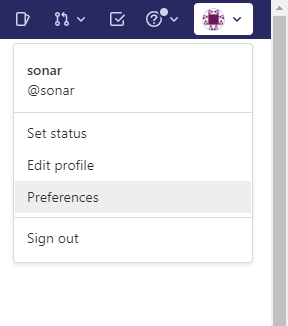
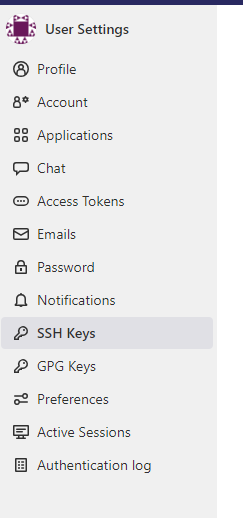
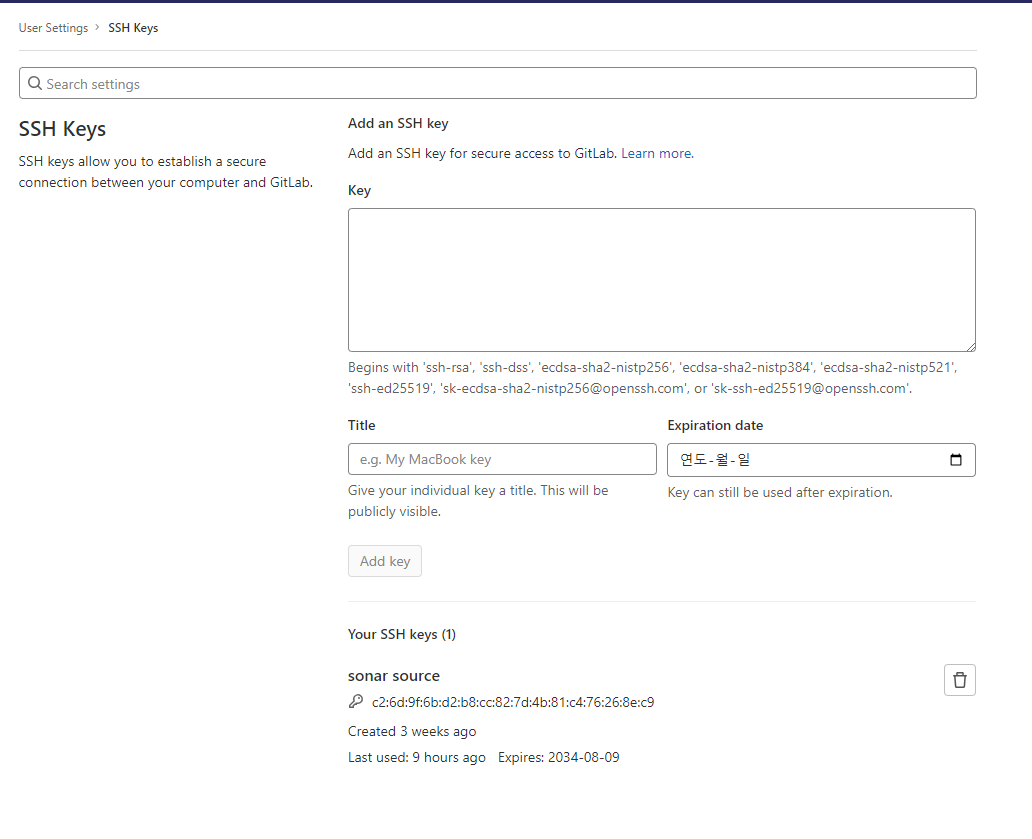
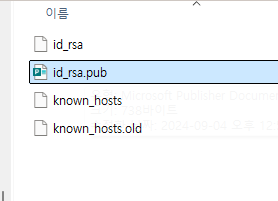
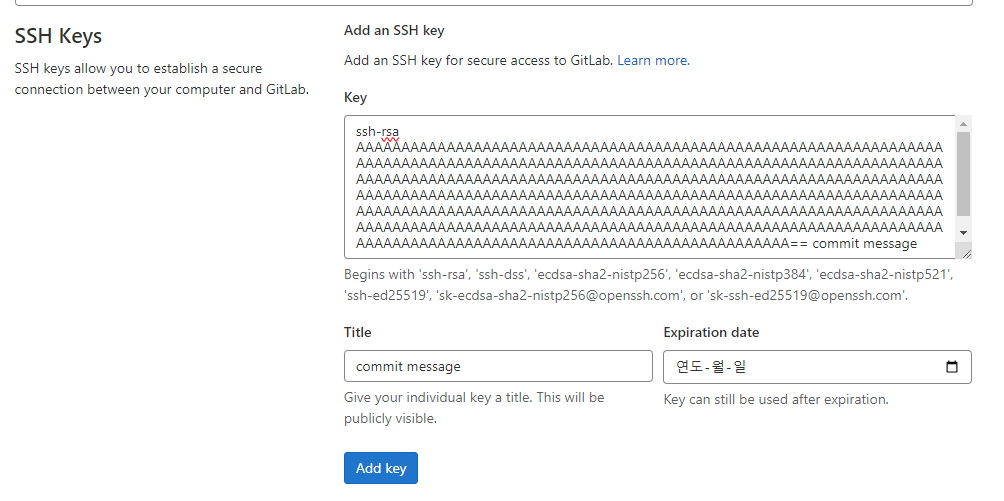
ssh-keygen -t rsa -b 4096 -C "commit message”


복사


아래 처럼 붙여넣기


보통 gitlab 서버에서 레포지토리의 위치는

/var/opt/gitlab/git-data/repositories    아래에 프로젝트 아래에 위치해있다.


여기에서 

명령어를 사용해 레포지토리 목록을 파일로 받아오고 이어서


for문 을 돌려서 차례로 git clone을 실행한다.


ll /var/opt/gitlab/git-data/repositories/해당프로젝트 | grep -v '생략할 문자열' | cut -d" " -f9 > /home/user/list.txt

또는 

cd /var/opt/gitlab/git-data/repositories/해당프로젝트
ll | grep -v '생략할 문자열' | cut -d" " -f9 > /home/user/list.txt


목록 생성 뒤
powershell 기준 ps1 파일 스크립트


####################################################
# list.txt 파일의 내용을 읽어옵니다
$fileList = Get-Content -Path "./list.txt"

# 파일 목록을 반복하여 처리합니다
foreach ($fileName in $fileList) {
    # 파일 이름에 공백이나 특수 문자가 있을 수 있으니, 따옴표로 감쌉니다
    $fileName = $fileName.Trim()

    # 파일 이름이 디렉토리 또는 파일의 이름일 때 경로를 완성합니다
    $filePath = Join-Path -Path (Get-Location) -ChildPath $fileName
    
    git clone ssh://git@URL:포트/해당프로젝트/$fileName
   
}
####################################################


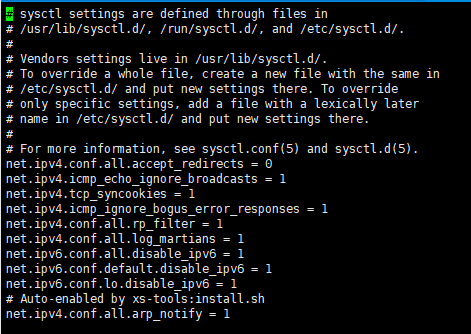
cat /proc/sys/vm/max_map_count 로 현재 값 확인


vi /etc/sysctl.conf 수정

아래에 vm.max_map_count=262144 로 수정


sysctl -p로 적용 후 다시 확인


임시로 수정할때는 sudo sysctl -w vm.max_map_count=262144

+ Recent posts